One design. Everybody's name.
A SharEarn design is not a finished picture. It is artwork with space reserved in it — for a name, a photo, a business, a contact line — and the engine fills that space differently for every person who shares it. You draw once. It goes out personal.
Create your creator account Tell us about your work first
The account is immediate. Getting into the editor is a second step and we still do it by hand — how that works.
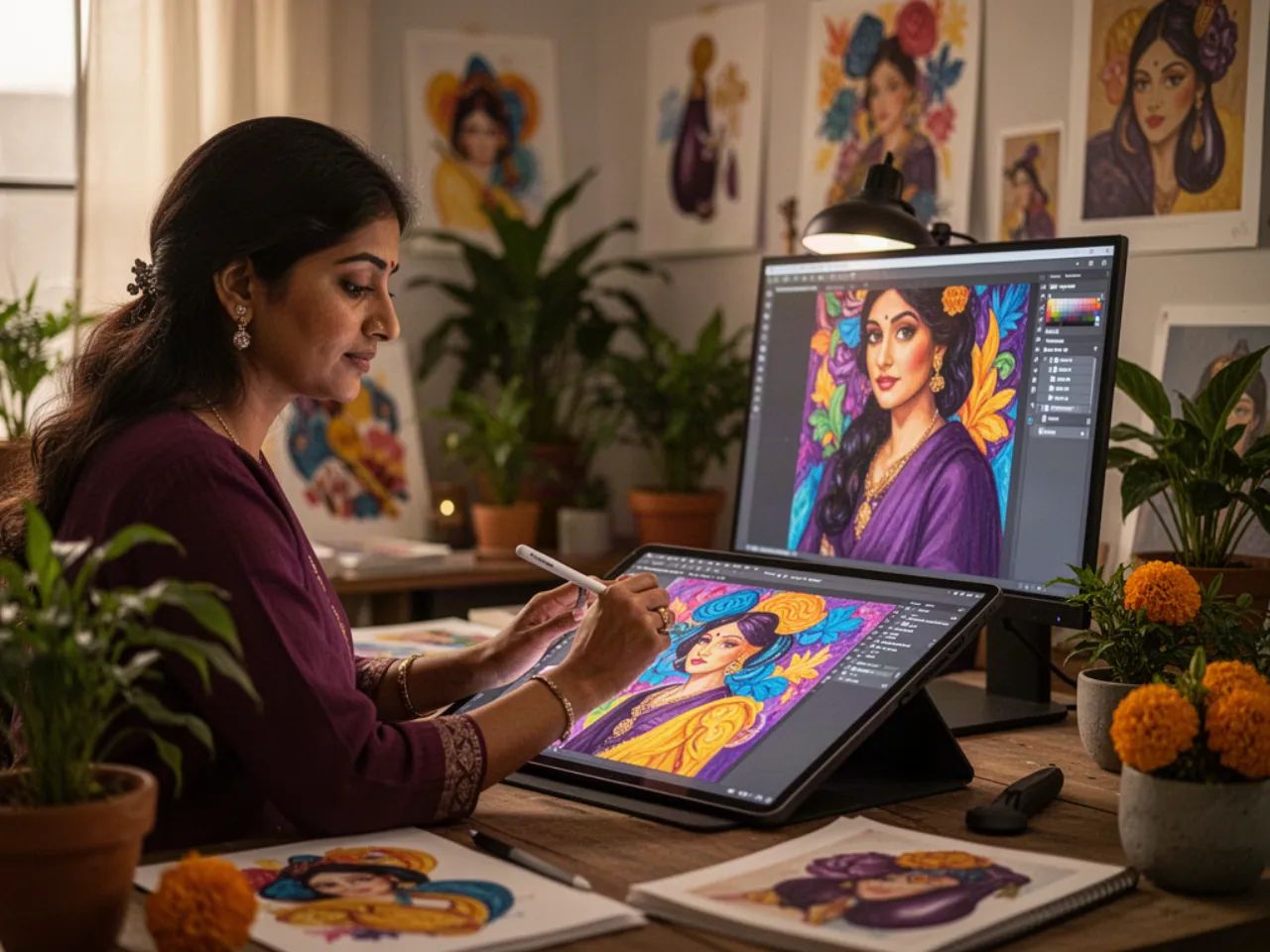
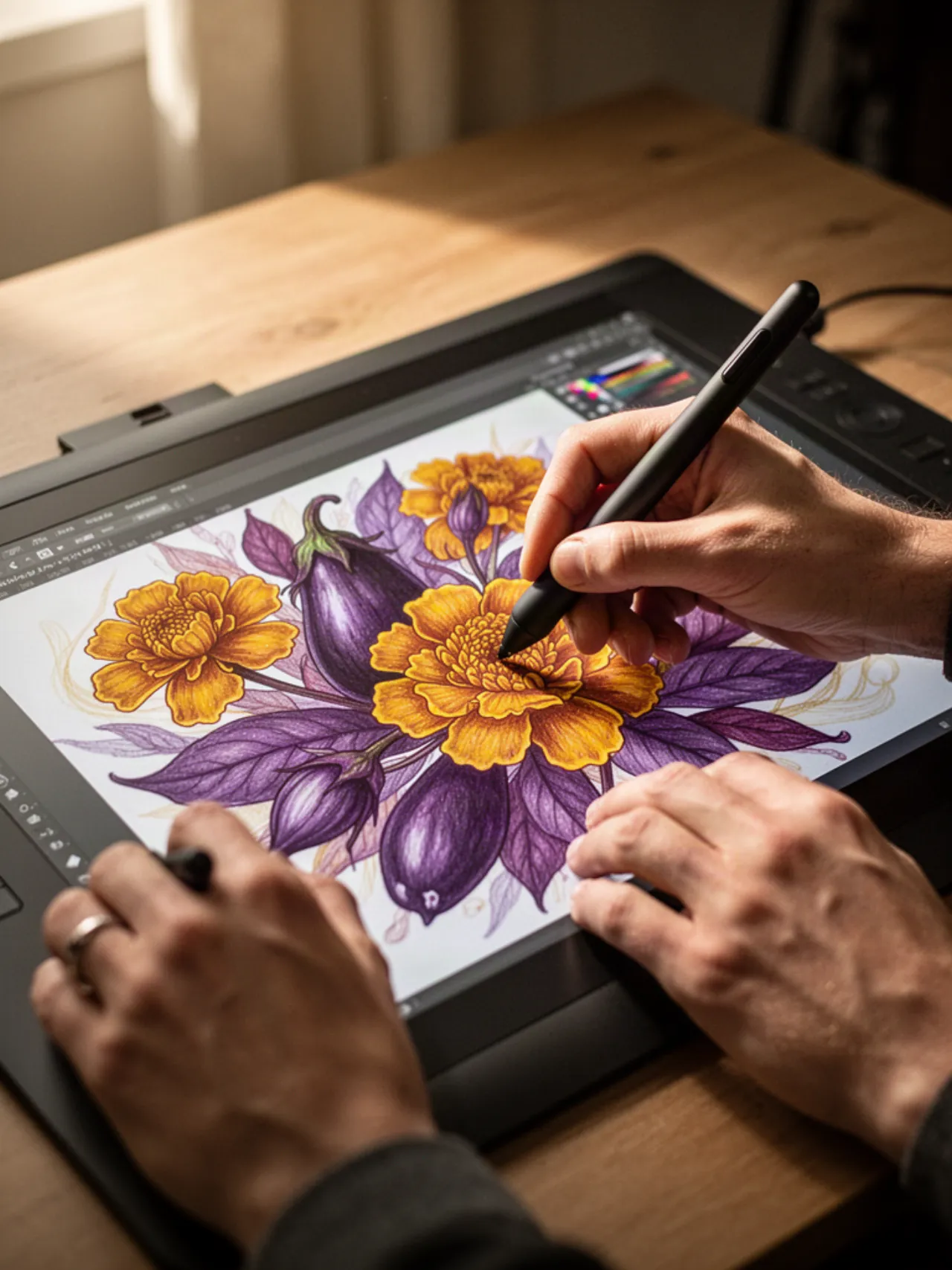
What a creator actually does
Three things, in this order. The rest of the page is detail on each one.
Upload the artwork
The design you would have made anyway — a Diwali card, a Christmas greeting, a grand-opening banner, a Monday motivation post. Flat artwork, no names on it yet.
Place the slots
Mark where the sharer's details will land: their name, their photo, their business name and logo, their contact line. You set the position, the size and the look. The engine never moves them.
Publish to a shelf
Pick the occasion the design belongs to. Once the design is published it sits on that shelf, and every person who opens that shelf gets your design with their own identity already composed onto it.
Artwork with room left in it
This is the one idea a designer has to hold. A slot is a promise you make in the design — "a name goes here, at this size, in this colour" — and the render engine keeps it, thousands of times, with a different name each time.
Nobody types on your artwork. Nobody drags your logo around. The sharer adds their details once in the app, and every design they ever open — including yours — is already theirs when it appears.
One design, six people. You drew the top half once; the strip underneath is the slot doing its work.
The slots you can place
Three families. brand is the business or organisation behind the share. personal is the person doing the sharing. subject is the person the card is about — a colleague's birthday, an award recipient — and only subject cards use it.
| Slot | What lands in it | What to leave for it |
|---|---|---|
| brand.name | The business or organisation name. Always present. | A line that survives a long name — plan for more characters than you think. |
| brand.logo_url | Their logo. | A clear patch, not a busy one. Logos arrive in every shape; give it breathing room. |
| brand.phone, brand.website | The business contact line. | Small, legible, one line. This is what a reader acts on. |
| brand.chapter | A chapter, branch or city, for organisations that have them. | Optional, so the card must look finished without it. |
| personal.name | The person sharing. Always present. | The most important type on the card after the greeting itself. |
| personal.photo_url | Their face. | A photo area that still reads when it falls back to initials — see below. |
| personal.position | Their designation — Proprietor, Regional Head. | Optional. A quieter line under the name. |
| personal.contact | Their own number or handle. | Sits with the name, not with the artwork. |
| subject.name | The person the card is about. Required on a subject card. | Centre stage — bigger than the sharer's own name on these designs. |
| subject.photo_url | Their face. | Same initials fallback as above. |
| subject.message | A short line the sharer writes. Capped at 90 characters. | Space for two short lines of type, not a paragraph. |
Slot keys are a closed list. An unknown key is refused when the design is submitted rather than quietly dropped, so a slot that is spelled wrong fails loudly, at your desk, and never on somebody's card.
Design for the fallback, not the best case
When a sharer has given no photo, the photo slot renders their initials instead. So the photo area has to look deliberate either way — a disc with two letters in it should read as a choice, not as a hole where a picture failed.
Sharma Electronics · 98xxx 21xxx
The name strip is where most of the slots land. Treat it as part of the artwork, not as something bolted underneath it.
The creator workflow
From "I have an idea" to "somebody in another country just sent it to their family group".
Open an account
Your name, your email, a password, and — if you want to sign in by WhatsApp later — a mobile number with its country code. That is the whole step: the account is live the moment you submit the form. There is no code to confirm first, nobody approves you, and there is nobody to wait for.
Create a design
A new design starts as a draft, visible only to you. Upload the artwork and give it the occasion it belongs to.
Place and preview
Position each slot, set its type and size, and preview with a name long enough to hurt and with no photo at all. If it survives both, it will survive the shelf.
Submit it
A draft is invisible, and submitting is what puts the design on its shelf — this is the step designers forget. There is no queue to sit in afterwards: submitting is publishing. On an organisation's shelf that step belongs to one of its admins rather than to you.
It goes live
Once it is published the design joins its occasion shelf and starts appearing in the app as that occasion comes round. Nothing is held back for a verdict.
The editor lives in the creator portal
Uploading artwork, placing slots, previewing a design and submitting it all happen in one place: portal.sharearn.com/creator. It is its own sign-in — not the app's, and not the account you create here either. The app is for sharing, the portal is for making.
Sign in to the creator portal (existing accounts) →
Already have a portal account? Sign in there and your drafts are waiting. If you are new, here is the part that is not finished: the portal keeps its own creator records, so an account created on sharearn.com does not open the portal door by itself today. Create your account anyway — it is live the moment you submit it — and tell us about your work, because a person reads that and writes back. This page changes the day the two sign-ins become one.
Create your creator account
Open an account now and it is live immediately — nothing to wait for and nobody to approve you. That gets you the account, not yet the editor: the editor is a separate door and we open it by hand while the two halves are being joined. Or, if you would rather we saw your work first, tell us about it and we will come back to you.
Open your account
You will set your name, an email and a password, and you can add a mobile number with its country code. The email and the number both matter after today, because coming back is done with a one-time code sent either on WhatsApp or by email: give a number you keep WhatsApp on, and a mailbox you actually read.
Your account is active the moment you submit this form — there is no code to confirm first and no approval to wait for. The gate is on the design, not on you: on an organisation's shelf it is one of its admins who publishes a design onto a shelf in front of other people's families, not the designer who made it. Already have an account? Sign in with a one-time code.
Or tell us about your work first
Prefer we see your portfolio before you commit to an account? Send this instead and a person will read it.
What a creator earns
Credit for a design stays with the person who made it. What a design earns has to be measured share by share, per design — and that measurement is work still to do, so this page says which half exists and which does not.
Coming: your share statistics
Per-design share counts, so you can see which of your designs travels and which one sat on the shelf. Not built yet, and the reason is worth saying plainly: a share is currently counted against the category a card came from, not the individual card. So there is nothing to show you per design until that is fixed — and it is the first thing to fix, because it is what a revenue share would have to be measured on.
Today: creator credit
The design stays attached to the person who made it. Your work is not absorbed into an anonymous pile.
Coming: revenue share
Revenue share on designs arrives as the marketplace opens. The mechanism is decided; the numbers are not, so none appear on this page.
Coming: performance bonuses
Rewards that follow share volume, alongside the revenue share, when the marketplace ships.
No rate, percentage, payout threshold or payment schedule has been settled yet, so this page does not state one. When those are decided they will be published here, in writing, before anyone is asked to rely on them.
Video templates are the next thing to design
Today the output is an image card. Personalised video is coming — the same slot idea, moving: the sharer's name, face and business composed into the frames instead of onto a still.
There is no date to announce, so there is no date on this page. What is worth saying is the ordering: the designers who are on the platform and publishing when video arrives are the ones who get onto it first. The shelves are the shop window, and the shop window is being built now.
Before you create an account
Can I sign up and start designing right now?
Yes, for the account. Create one — name, email, password, and a mobile number if you want one — and it is active the moment you submit it. The editor is the part that is not automatic yet; see where you work. There is no code to confirm first and nobody approves you. Coming back on another day is what uses a one-time code, on WhatsApp or by email.
Where do I actually build the design?
In the creator portal at portal.sharearn.com — upload, slot placement, preview and submit are all there. One join is unfinished, and you should hear it from us rather than from a login screen: the portal holds its own creator records and its own sign-in, so the account you create on sharearn.com does not open it by itself today. If you already have a portal account, that is the one to use. If you do not, tell us about your work and a person will answer you.
I published a design and nobody can see it.
Check that it was submitted. A design you have saved is still a draft, and a draft is visible only to you. Submitting is what puts it on the shelf — and on an organisation's shelf that step is an admin's, so a design of yours can be finished and still be waiting for one of them.
What happens if the sharer has not uploaded a photo?
The photo slot renders their initials instead. Preview every design in that state — if the composition only works with a photograph in it, it is not finished.
Should I design for one region's festivals?
No. The shelves span calendars — New Year, Diwali, Christmas, Thanksgiving, Easter, national days, birthdays, business milestones and everyday greetings. Design for the occasions you know best, and know that the platform is not built around any single one.
When do video templates arrive?
They are coming, and no date has been announced. When there is one it will appear here rather than in a promise made in advance.
Draw it once. Let it go out with a thousand names on it.
Create your creator account, publish your best work to the shelves, and be on the platform when video lands.
Create your creator account Creator portal — if you already have one →Account active immediately · an admin publishes a design onto a shelf · video templates next